Windows 11 August 2026 Update: New Features, AI Controls, and Security Improvements
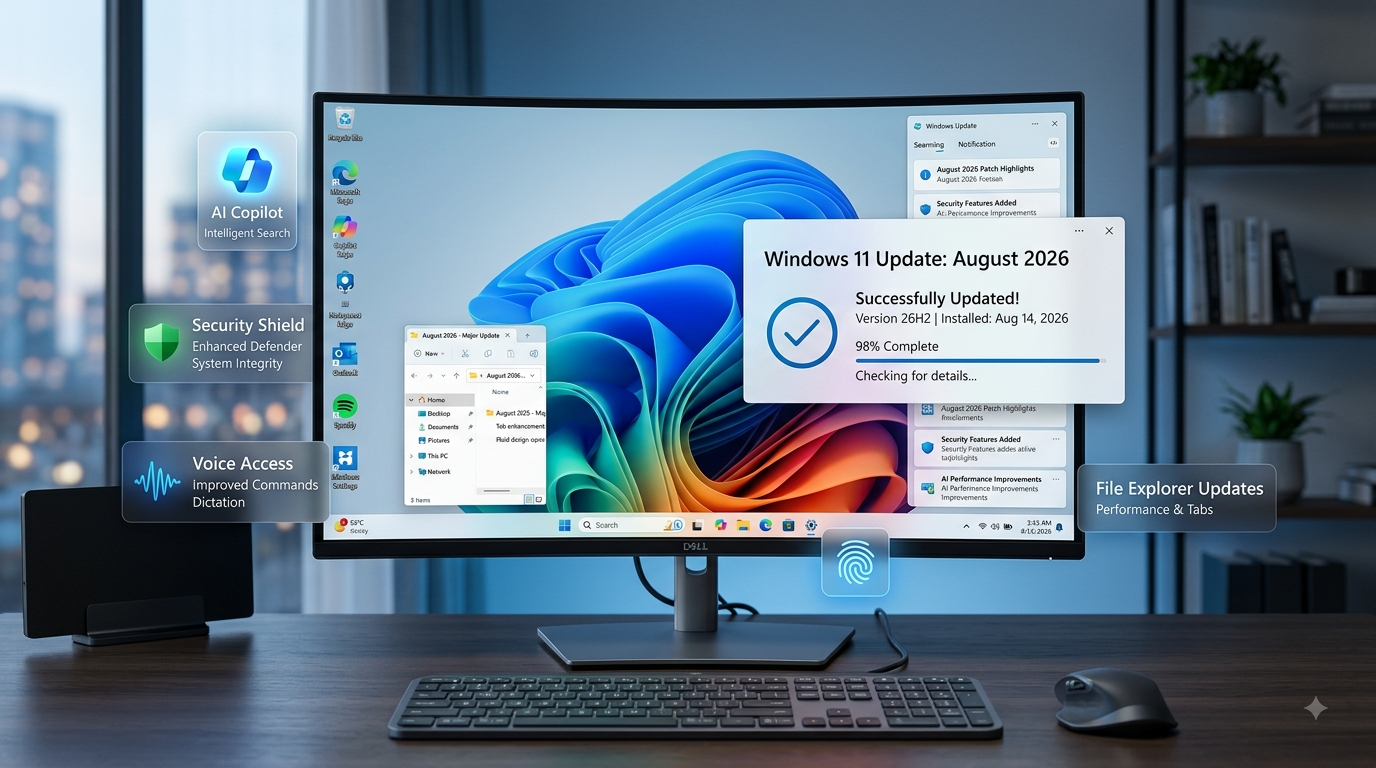
Microsoft has started rolling out its August 2026 update for Windows 11, bringing a collection of security improvements, interface refinements, AI controls, and usability upgrades. The update is designed to make Windows 11 more secure while giving users greater control over features on modern Copilot+ PCs.
Unlike a major Windows version release, this update focuses on improving the existing Windows 11 experience. Several changes are aimed at everyday tasks, including searching for files, managing accounts, using accessibility features, and controlling AI-related components.
What Is New in the Windows 11 August 2026 Update?
The latest update introduces improvements across several parts of the operating system. Microsoft has updated Windows Hello security, File Explorer, Windows Search, Start menu controls, touchpad customization, Voice Access, Widgets, and system notifications.
One of the most interesting changes is the additional control provided to Copilot+ PC users over Microsoft's AI features.
1. Better Windows Hello Security
Security is one of the major focuses of the August update.
Windows Hello Enhanced Sign-in Security now gains support for external fingerprint sensors, giving compatible users another option for biometric authentication.
Instead of relying only on a device's built-in hardware, supported external fingerprint readers can provide a more flexible way to authenticate.
For businesses and users who prioritize secure sign-ins, this could be a useful improvement.
2. More Control Over AI Features
Microsoft is also giving some Copilot+ PC users more control over AI components.
The August update allows users to uninstall the Image Generation AI model on compatible Copilot+ PCs. This is notable because users increasingly want the ability to decide which AI components are installed and consuming storage on their computers.
This change does not mean AI is disappearing from Windows. Instead, it provides more flexibility for people who do not use particular AI features.
3. File Explorer Gets Small but Useful Improvements
File Explorer is receiving several quality-of-life improvements.
One change makes file-size information easier to understand by using more intuitive units. Microsoft is also introducing middle-click folder actions, which can make navigating folders more convenient for users who frequently work with multiple directories.
These are relatively small changes, but improvements like this can make a noticeable difference during everyday computer use.
4. Windows Search Becomes More Forgiving
Windows Search is also getting improvements.
The updated search experience is designed to better understand typos and partial file names, potentially making it easier to locate documents and applications even when users do not remember the exact name.
For people with large numbers of files, better search behavior can save considerable time.
5. Start Menu Account Controls Receive a Refresh
Microsoft has also updated account-related controls within the Start menu.
The redesigned interface provides clearer information and a more modern appearance, helping users understand account and subscription-related details more easily.
The change is part of Microsoft's broader effort to make Windows 11's interface more consistent.
6. Touchpad Customization Gets Better
Laptop users can expect additional customization options for touchpad gestures.
Improved gesture controls can make multitasking and navigation easier, particularly for people who frequently switch between applications or use gestures instead of a traditional mouse.
For productivity-focused laptop users, this could be one of the more useful everyday improvements in the update.
7. Voice Access Improvements
Microsoft is also improving accessibility features.
The update introduces voice isolation improvements for Voice Access, helping make voice-based interaction more practical in environments where background noise could otherwise interfere.
Voice Access is particularly useful for users who prefer or require hands-free computer interaction.
8. Energy Saver Controls Return With More Flexibility
The update also restores additional controls for Energy Saver thresholds.
These settings allow users to have more influence over when Windows activates energy-saving behavior.
This can be particularly useful for laptop owners who want to balance battery life and performance according to their own usage patterns.
9. Less Distracting Widgets on the Lock Screen
Microsoft is also changing the Widgets experience on the Windows lock screen.
The August update reduces distractions by showing fewer elements, creating a cleaner lock-screen experience.
For users who prefer a simple lock screen, this change should make the interface feel less crowded.
10. Smaller Visual and System Improvements
The update includes additional refinements to system sounds, update-progress indicators, and dark-mode presentation.
Although these changes may not dramatically alter Windows 11, they contribute to a more polished overall experience.
Microsoft is continuing to follow a pattern of improving Windows through smaller feature updates instead of relying exclusively on major operating-system releases.
Should You Install the August 2026 Update?
For most Windows 11 users, keeping the operating system updated is recommended because updates frequently contain important security fixes as well as feature improvements.
The August 2026 update is particularly interesting for users with newer Copilot+ PCs, because they receive additional control over AI-related components.
However, Microsoft is using a gradual rollout, meaning some features may not appear immediately on every compatible computer.
If a particular feature is missing after updating, it may simply be because Microsoft has not enabled it for the device yet.
Final Verdict
The Windows 11 August 2026 update is not a complete redesign, but it delivers a useful collection of improvements.
Better Windows Hello support, more control over AI models, smarter Windows Search, File Explorer refinements, improved touchpad gestures, Voice Access enhancements, and cleaner Widgets make the update worthwhile.
The biggest takeaway is that Microsoft is continuing to make Windows 11 more customizable while gradually integrating AI into the operating system.
For everyday users, the changes may feel relatively small. But taken together, they make Windows 11 more polished, flexible, and secure.
Bottom line: If your PC is eligible, installing the August 2026 update is a sensible way to get the latest Windows 11 security fixes and feature improvements.
💬 Leave a Comment